
Take the spotlight
Practice Spotlight gives your practice dedicated time on your Tonic screen, whether that's opening hours, a new doctor, or an important update for your patients.

What is Practice Spotlight
Every practice partner gets dedicated time on Tonic screens for their own messaging. Practice Spotlight is how you tell us what to put there.
Fill out a short form, and we'll turn your request into a video, no design experience needed on your end.
Bookmark this page
This link is personalised to your practice. Save it for next time!
What you can put on screen
- Opening hours
- A new doctor or staff member
- Services or fees update
- A general announcement for your patients

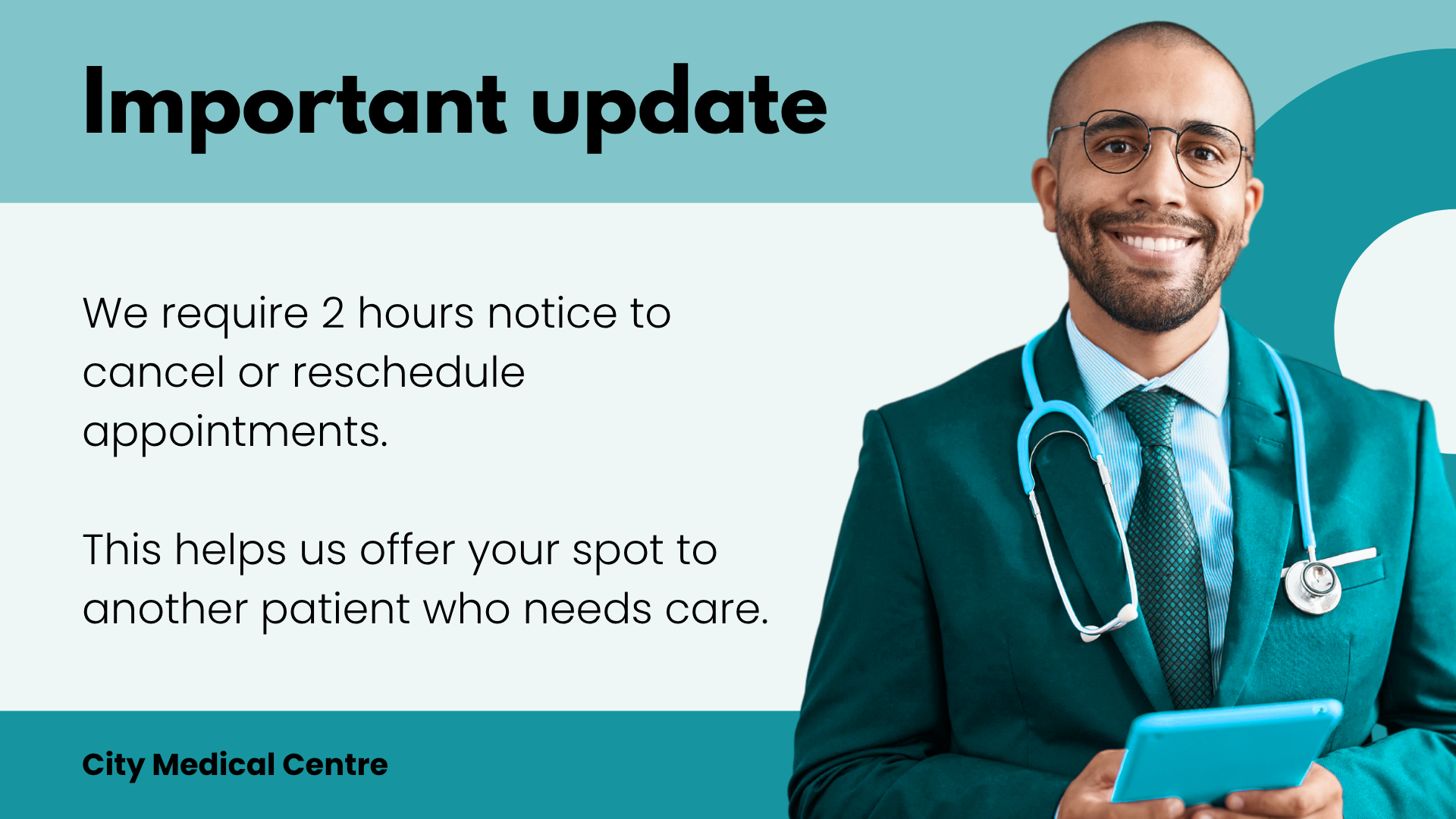
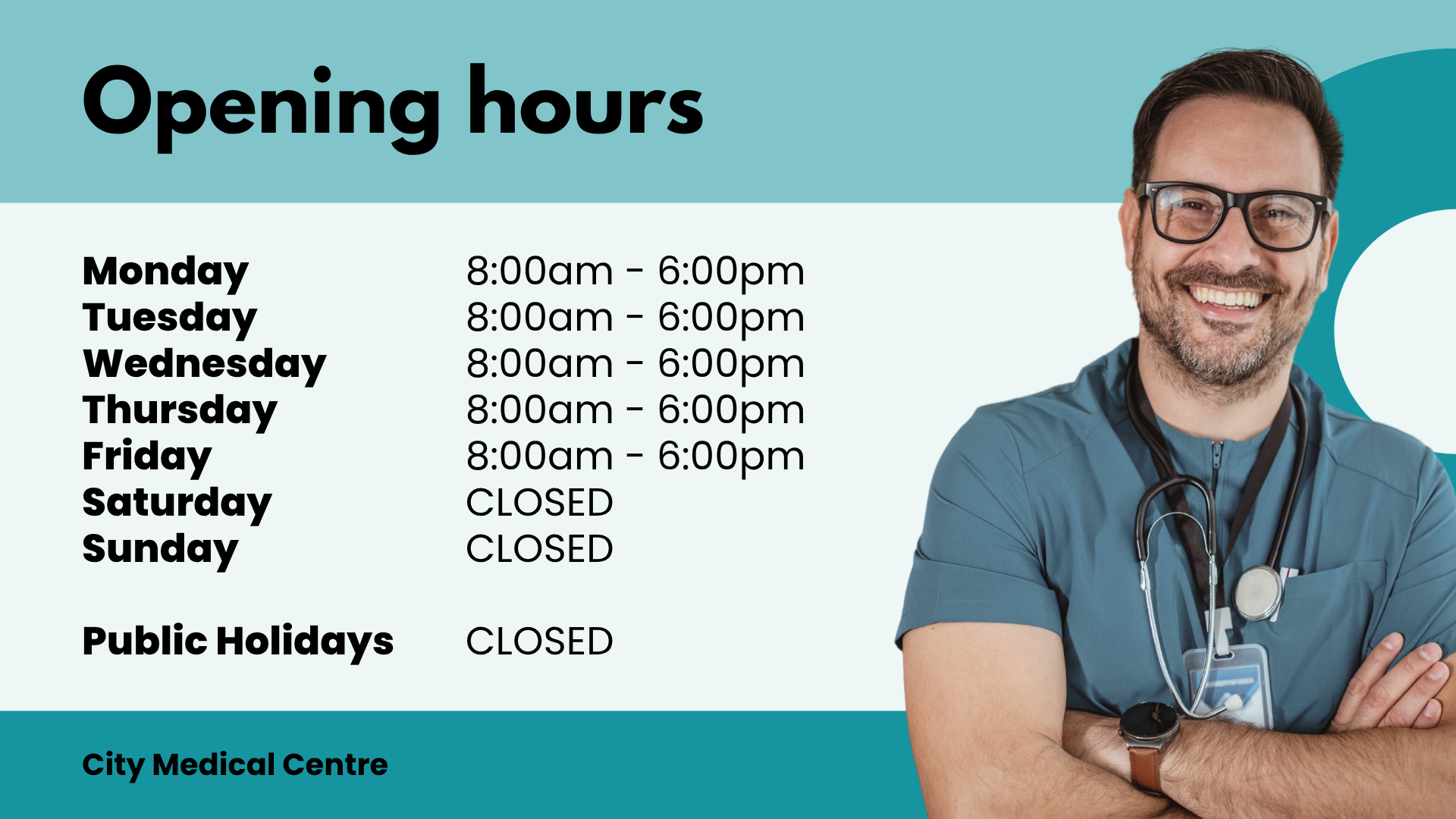
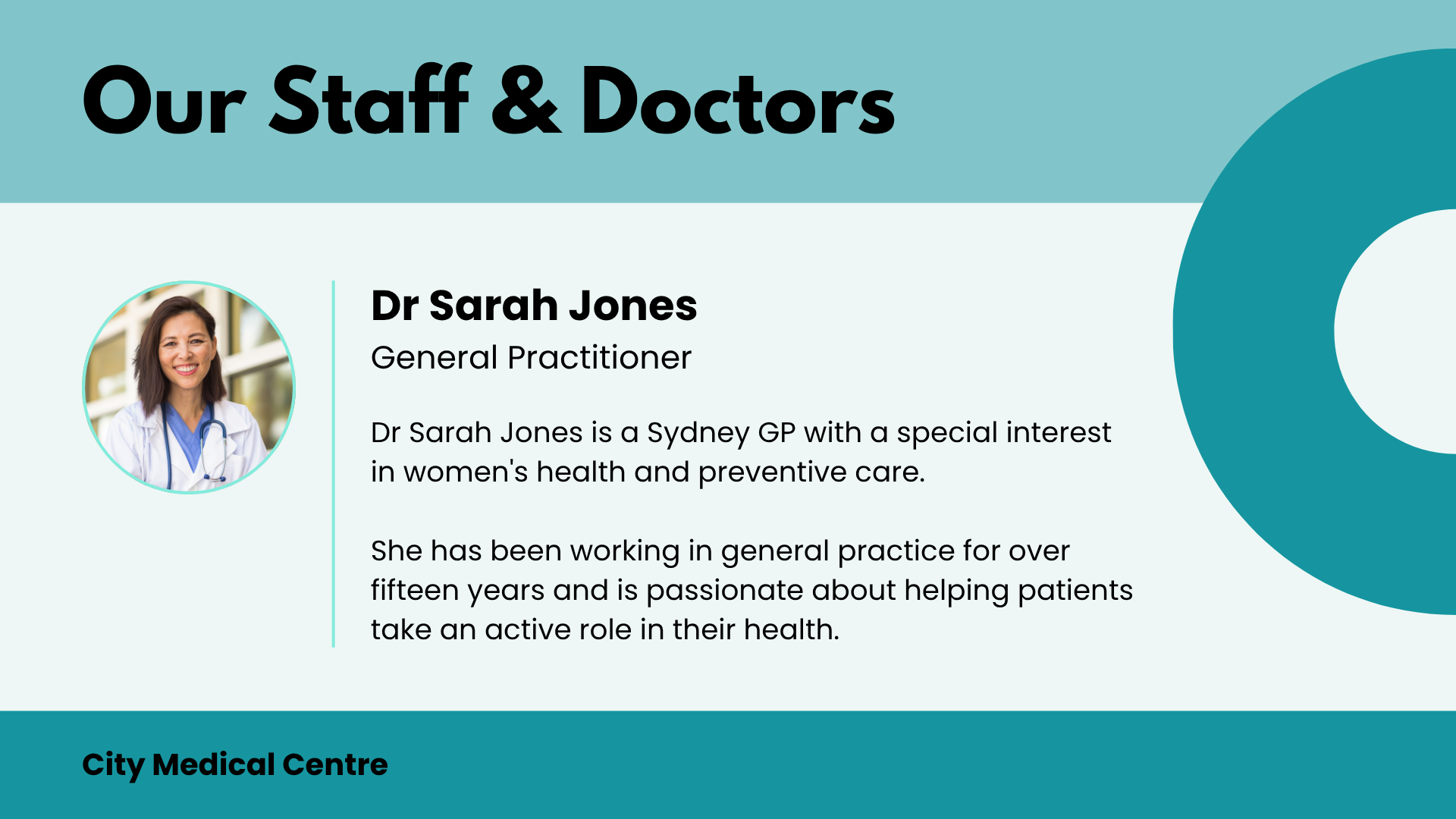
Not sure which one fits? Just submit a request and tell us what you need, we'll guide you through it.
How it works
Submit your request >
Tell us what you'd like on your screen using the form.
We build your creative >
Our team turns your request into a video ready for your screen.
It goes live >
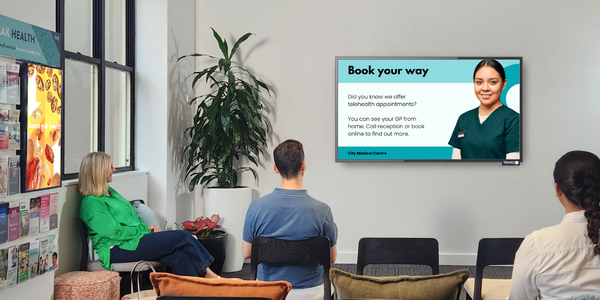
You and your patients will see your message live on your Tonic screen.
Before you submit
To keep your content clear and easy to read on screen, please keep your message short, our form will guide you on word limits for each section.
If you're uploading an image or logo, please use a high resolution file (JPG or PNG, under 2MB). Low resolution images won't display well on screen.
If you're requesting an update to something you've already submitted, let us know in the form so we can find your original request quickly.
Questions about Practice Spotlight? Contact CustomerCare@tonicmedianetwork.com.au and we're happy to help.
